iPadOS 15 Concept
Channel: Avdan
Category: Science & Technology
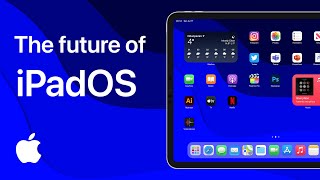
Description: Introducing iPadOS 15. Place apps, files, folders and widgets anywhere on the Home Screen. Drag and drop files and folders to Home Screen. App Library is now on iPad. Interactive Widgets and Improved External Display Support. Open iPhone apps in Slide Over. Now you can resize the Slide Over window. Improved Multitasking. Cursor Mode. Multi-User Support. Redesigned Control Center. iPadOS 15 Concept. Designed by Kamer Kaan Avdan. This video is a concept created for the purposes of visualising how iPadOS could be changed in a future update. This is NOT an actual software. I am not affiliated with Apple. This concept created using Adobe After Effects, Adobe Illustrator, Adobe Photoshop and Adobe XD. Music: All but Me (Luwaks Remix) (Instrumental Version) Music used under license. FOLLOW ME ON INSTAGRAM: instagram.com/avdankamerkaan FOLLOW ME ON TWITTER: twitter.com/AvdanKamerKaan BUY MERCH TO SUPPORT: teespring.com/stores/avdan 00:00 The New Home Screen 00:29 App Library 00:42 Interactive Widgets 00:47 Improved External Display Support 01:08 Open iPhone Apps in Slide Over 01:20 Improved Multitasking 01:37 Cursor Mode 01:49 Multi-User Support 02:04 Redesigned Control Center 02:08 iPad and Pro Display XDR 02:16 End Screen